Quick overview: this guide provides a clear overview of how to access the extensive library devoted to this Baroque composer. The composer page brings together 312 works, listed from A to Z and by type, making it easier to find a particular score or piece.
Authority identifiers (VIAF, ISNI, GND, BNF) resolve any ambiguity caused by similar names and help you consult the right works. This information is essential for teachers and musicians who need reliable sources.
Available content: Canon and Gigue in D major, P.37, chaconnes, a large body of fugues, and the Magnificat Fugues P.257‑346. Historical facsimiles and modern editions appear side by side.
Navigation follows a simple structure: an A-to-Z index, a “Show works by type/instrument” button, and links to “Compositions,” “Collected Works,” and “Collections With.” This guide helps you choose among full scores, separate parts, and suitable editions.
Context and purpose: accessing Pachelbel’s scores on IMSLP
The dedicated page lists 312 titles and offers tools to sort them by genre, instrument, or edition. The practical goal is to provide a clear way to locate, filter, and download scores or separate parts according to your needs.
The standard structure of a page includes “Sheet Music” (Scores, Parts), “Arrangements and Transcriptions,” “Performances/Recordings,” and “General Information.” These features make it easier to navigate and access files.
A focused search usually leads to the composer’s official page, which lists works from A to Z and by genre (canons, chaconnes, fugues, Magnificat Fugues). Work metadata gives the year, instrumentation, movements, P. number, and style.
Choose full scores for study or conducting, and separate parts for playing in an ensemble. Note that some features require JavaScript to be enabled to display or submit certain files.
Accessing Johann Pachelbel’s composer page on IMSLP
Before searching, check the name used and possible variants (for example, Johann Bachelbel). This helps you avoid opening a different entry from an external search engine.
Check the authority identifiers: VIAF: 24795715, ISNI: 0000000108560529, GND: 119456613, BNF: 13978832b. These codes provide reliable information for librarians and researchers.
Using the A-to-Z index and filters
The alphabetical A-to-Z index speeds up the search for a specific work, such as Canon and Gigue in D major, P.37. The Show works by type/instrument feature lets you sort works by type or instrument.
Categories, volumes, and metadata
The collection contains 312 titles: chaconnes (P.38‑43), the Magnificat Fugues (P.257‑346), and many fugues classified by key and P. number.
Consult the information fields to identify the editor, publisher, year, and plate number, where available. Opening several tabs helps you compare editions and engravings.
- Check aliases and name variants.
- Use authority identifiers as reference points.
- Apply the keyword or instrument filter to narrow your search.
IMSLP and Johann Pachelbel: where to find sheet music
To save time, enter the exact title of the work, then apply a relevant keyword to filter the results. This approach avoids confusion between similarly named works and takes you directly to the desired work page.
For Canon and Gigue in D major, P.37, follow the Canons, Gigues, and Dances categories. Remember that the original instrumentation calls for three violins and basso continuo. This helps you distinguish the original version from arrangements.

Comparing files and identifying arrangements
Always open the Scores section of a work page to compare files: facsimiles, historical engravings, or modern editions. Modern editions are often easier to read during rehearsals.
“Always check the metadata (title, P. number) before using a file in rehearsal or performance.”
- Browse Scores featuring to find versions for organ, piano, guitar, or ensemble.
- Note the available arrangements: four saxophones, four guitars, piano, organ, choir, and so on.
- Check whether separate parts are available to make rehearsals easier.
| Category | Example work | Typical instrumentation | File type |
|---|---|---|---|
| Canons / Gigues | Canon and Gigue in D major, P.37 | Three violins and basso continuo | Facsimile, modern edition, separate parts |
| Chaconnes | Chaconnes P.38‑43 | Various instruments (violin, harpsichord, organ) | Scans, engravings, modern editions |
| Fugues / Magnificat | Fugues, P.257‑346 | Harpsichord, organ, ensembles | Modern editions, facsimiles |
Major works and editions for different needs
Some pieces stand out for their wealth of editions and variety of available arrangements.
Canon and Gigue in D major, P.37: scores, separate parts, and arrangements
Date: around 1680; original ensemble: three violins and basso continuo.
Full scores and sometimes separate parts are commonly available for concert use. Many arrangements exist: saxophone quartet, four guitars, organ, piano, and more.
Choose modern editions for rehearsals and compare them with historical scans for musicological study.
Hexachordum Apollinis (P.193‑198): organ or harpsichord, arias, and variations
This work from 1699, published in Nuremberg by Cornelis Nicolas Schurtz, contains six arias with variations and is dedicated to Richter and Buxtehude.
Explore the organ or harpsichord versions according to their use in recitals or teaching. Check for audio excerpts or recordings to guide your choice.
Magnificat Fugues P.257‑346: a large collection searchable by key
The P.257‑346 series can be consulted work by work. Search by key and P. number to build a coherent liturgical or academic program.
Always note the publisher and plate number when they are given. Download the full score first, then the separate parts if available.
| Work | P. reference | Typical editions |
|---|---|---|
| Canon and Gigue | P.37 | Scores, separate parts, arrangements, modern editions |
| Hexachordum Apollinis | P.193‑198 | Modern editions, scans, audio, and recordings |
| Magnificat Fugues | P.257‑346 | Scores by key, critical editions |
File formats and rights: “complete score,” “parts,” and “commons attribution”
Understanding formats and rights makes it easier to choose a file suitable for rehearsal or performance.
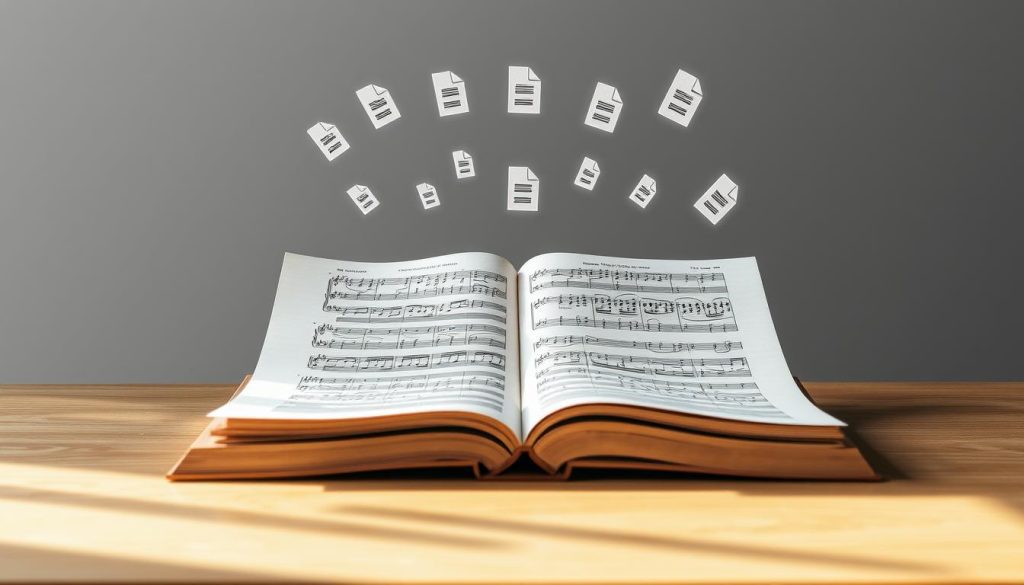
On each page, files are grouped under Scores, Parts, and Arrangements and Transcriptions. A complete score contains the entire work and is useful for study and conducting. A part contains the music for one instrument or section.
Useful terminology
Typeset: a modern engraving, often easier to read than scans. Arr indicates an arrangement or transcription. The publisher and plate details help date and identify the source edition.
- Check the quality of the file (resolution, annotations, missing pages).
- Test printing or reading on a tablet before rehearsal.
- Record the references (pages) of your chosen score for your programs.
Licenses and Creative Commons Attribution notices
Several files are in the public domain or licensed under Creative Commons Attribution. This license permits copying and adaptation but requires clear attribution. Read the license notice before using a file onstage or sharing it online.
“Following the license ensures lawful reuse and gives credit to the editions.”
| Item | What it means | Practical use |
|---|---|---|
| complete score | Full score | Ideal for conducting and study |
| part | Instrumental part | For an individual player or section |
| typeset / scan | Modern engraving / facsimile | Readability and historical fidelity |
Tip: if a feature displays “Javascript is required,” access to or download of the file may be blocked.
Arrangements and transcriptions: finding the right instrumentation
To choose the right instrumentation, start with the “Scores featuring” categories for each instrument family.
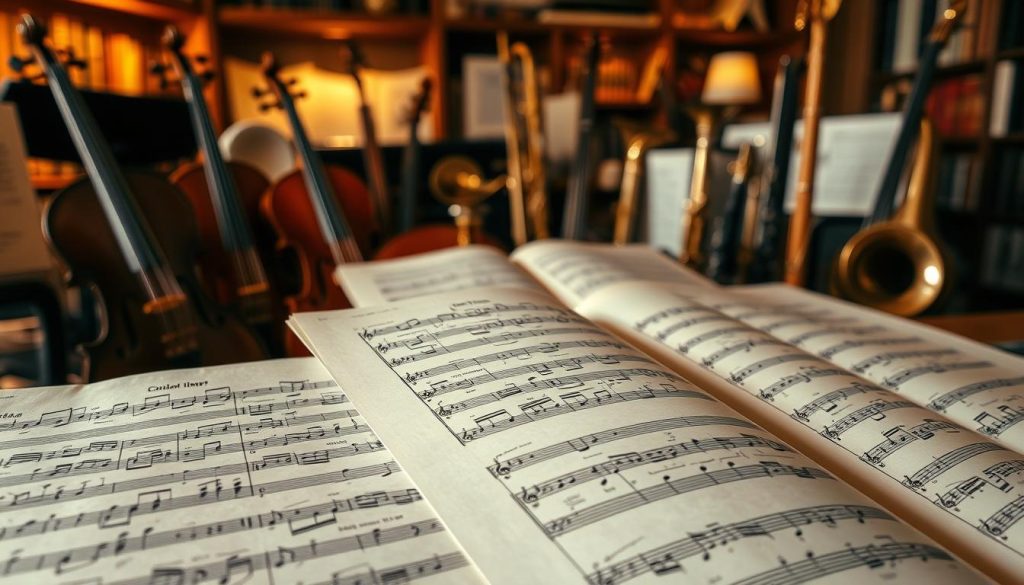
The Scores featuring section offers a shortcut. It lets you filter results by instrument: organ, piano, guitar, flute, choir, brass, or woodwinds. This is useful for finding an arrangement that suits the available players.
Practical examples
For Canon and Gigue, you can find arrangements for four saxophones, four guitars, or a string quartet (two violins, viola, and cello), as well as versions for organ or piano.
How to use “Arrangements and Transcriptions”
This section brings together alternative instrumentations and their associated files. Compare the range and difficulty before printing.
- Choose a clearly printed score for rehearsals.
- Compare versions to identify fingerings and Baroque ornamentation.
- Record the files you have tested and approved in your notes (with page references).
- Watch for unusual formats such as !n/!n/!n or incorrect pagination.
- Compare arrangements for related instruments (flute, oboe, clarinet) to put together a school ensemble.
| Example | Recommended use | |
|---|---|---|
| Woodwinds / Brass | Four flutes / four horns | Workshop, small ensembles |
| Strings | String quartet | Concert, audition |
| Keyboards | Organ, piano, harpsichord | Liturgy, accompaniment |
Search tips and useful editorial information
Start by consulting “General Information”. It brings together the year, place, publisher, and other details that help determine whether an edition is suitable for performance or study.

Filters for edition, editor, and reference
Filter by edition to distinguish critical editions, modern engravings, and historical facsimiles.
Look for the editor Max Seiffert when a scholarly revision is indicated. His dates, 1868-1948, help place his work in context.
Note the publisher and plate number: these details make it easier to cite an edition in a program and trace its sources.
Technical alerts and site messages
The message “Javascript is required” indicates that an essential feature is disabled: enabling JavaScript or changing browsers may solve the problem.
The labels purchasejavascript required feature or purchasejavascript required appear during certain actions. Try another browser or check your security settings.
Editorial comments and file notes
Browse the misc., misc. notesthese, and misc. notesthese file sections to find errata, primary sources, or details about a file.
Compare several modern engravings to choose the clearest one (layout, markings, pagination). Keep research notes and record the pages of versions you have tested.
“Always check the editor details and the notice to choose a reliable edition.”
| Item | What it indicates | Recommended action |
|---|---|---|
| edition | Critical edition / modern engraving / facsimile | Choose according to use (performance or study) |
| editor Max Seiffert | Scholarly edition | Choose it if available (1868-1948) |
| purchasejavascript required feature | Technical alert | Enable JavaScript or change browsers |
| misc. notesthese file | Notes and errata | Read before printing |
Recordings, audio, and related resources
Consulting the recordings listed on an edition page can help you choose the edition best suited to your desired result.
Performances and recordings on the work page
The Performances section often identifies performers and ensembles. It complements the editorial information when assessing a recording or interpretation.
The Recordings section may contain commercial recordings, audio tracks uploaded by the community, or MIDI renderings. Listen to several versions to compare tempos, articulation, and ornamentation.
- Record useful recordings and their tempos in your notes (with page references).
- If no audio file is available, use external links (Wikipedia, RISM, WorldCat, BNF) to find other resources.
- Bookmark reference pages and files so you can return to them easily.
| Resource | Use | Example |
|---|---|---|
| Performances | Identify performers and ensembles | Compare interpretations of Hexachordum Apollinis |
| Recordings / audio | Listen to tempos and recording quality | Choose an edition suitable for performance |
| External links | Manuscript sources and bibliography | RISM, WorldCat, BNF, Wikipedia |
“Choose quality recordings over MIDI renderings when assessing Baroque phrasing.”
Conclusion
To finish, start from the composer page, use the A-to-Z index and the Show works by type/instrument feature to filter a collection of 312 works. Apply a focused keyword to narrow your search and save time.
Always compare the full score, separate parts, and modern engravings before printing. Check the Creative Commons Attribution license and choose the most readable files. A good arrangement can make preparation easier.
Consult General Information (publisher, plate number) and record your references (pages). Listen to recordings, explore Scores featuring categories for organ or ensemble, and watch for required feature messages (try another browser if the purchasejavascript required feature warning blocks access). Build your music collection with stable files: editorial care and curiosity will support thorough musical preparation.